SeedAIGen

AI Image & Video Creation Tools

AI Creation Examples

Choose video undress, photo undress, image-to-video, text-to-image, person replacement, or motion transfer, then upload your media as instructed to quickly create natural AI images and videos.

Video Undress

Upload a video featuring a person, choose a suitable video undress effect, and start generating. AI identifies the subject and clothing areas frame by frame to create a natural, fluid clothes-removal effect while preserving movement, camera work, and visual continuity.
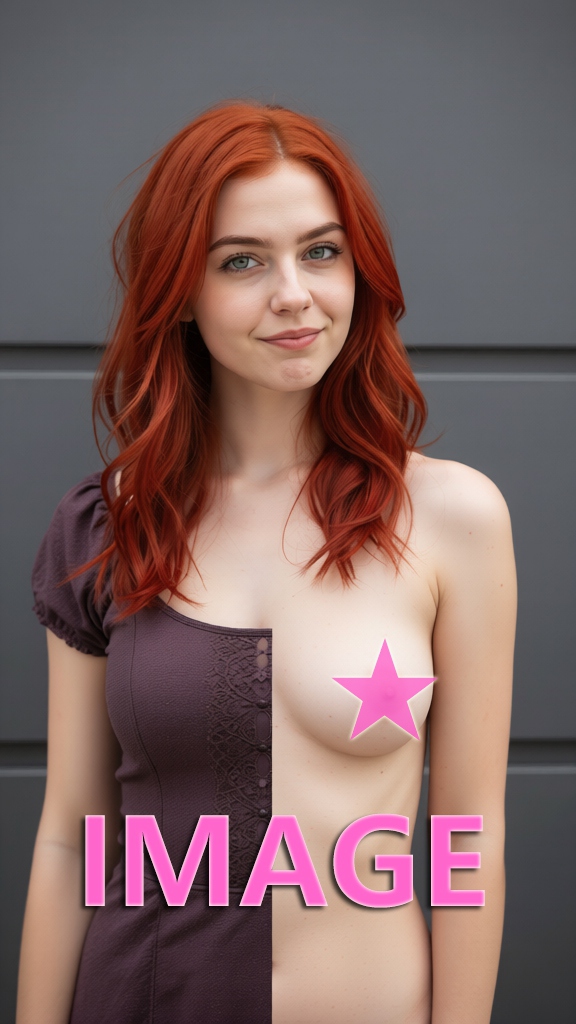
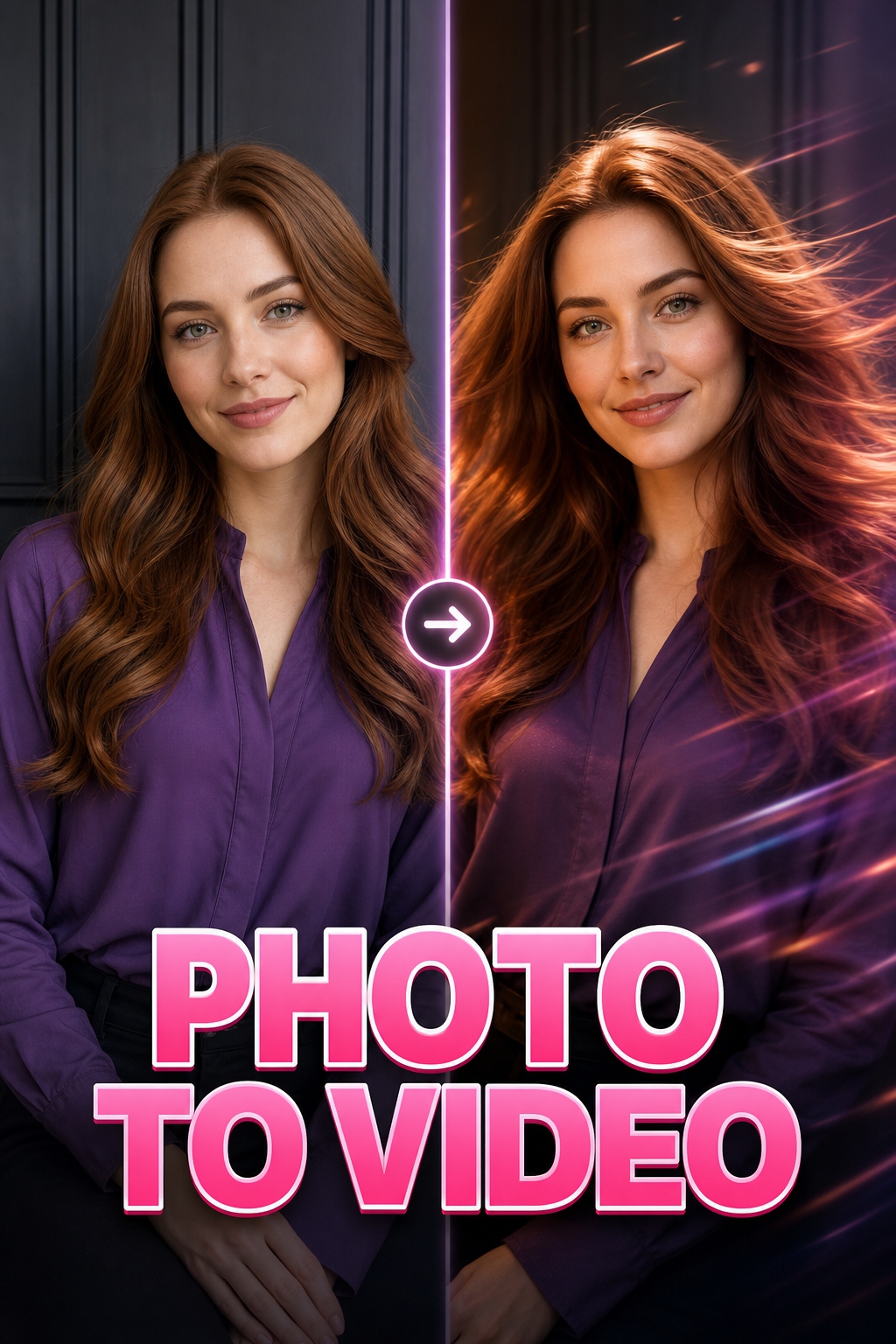
Photo Undress

Upload a clear photo of a person and select a photo undress effect. AI detects the subject's outline and clothing areas while preserving the pose and background structure, quickly producing a balanced image with natural-looking detail.

Image to Video

Upload a portrait, illustration, or scene image, choose an image-to-video template, and set your generation options. AI adds natural movement, camera motion, and dynamic detail to turn a single still image into a smooth video.

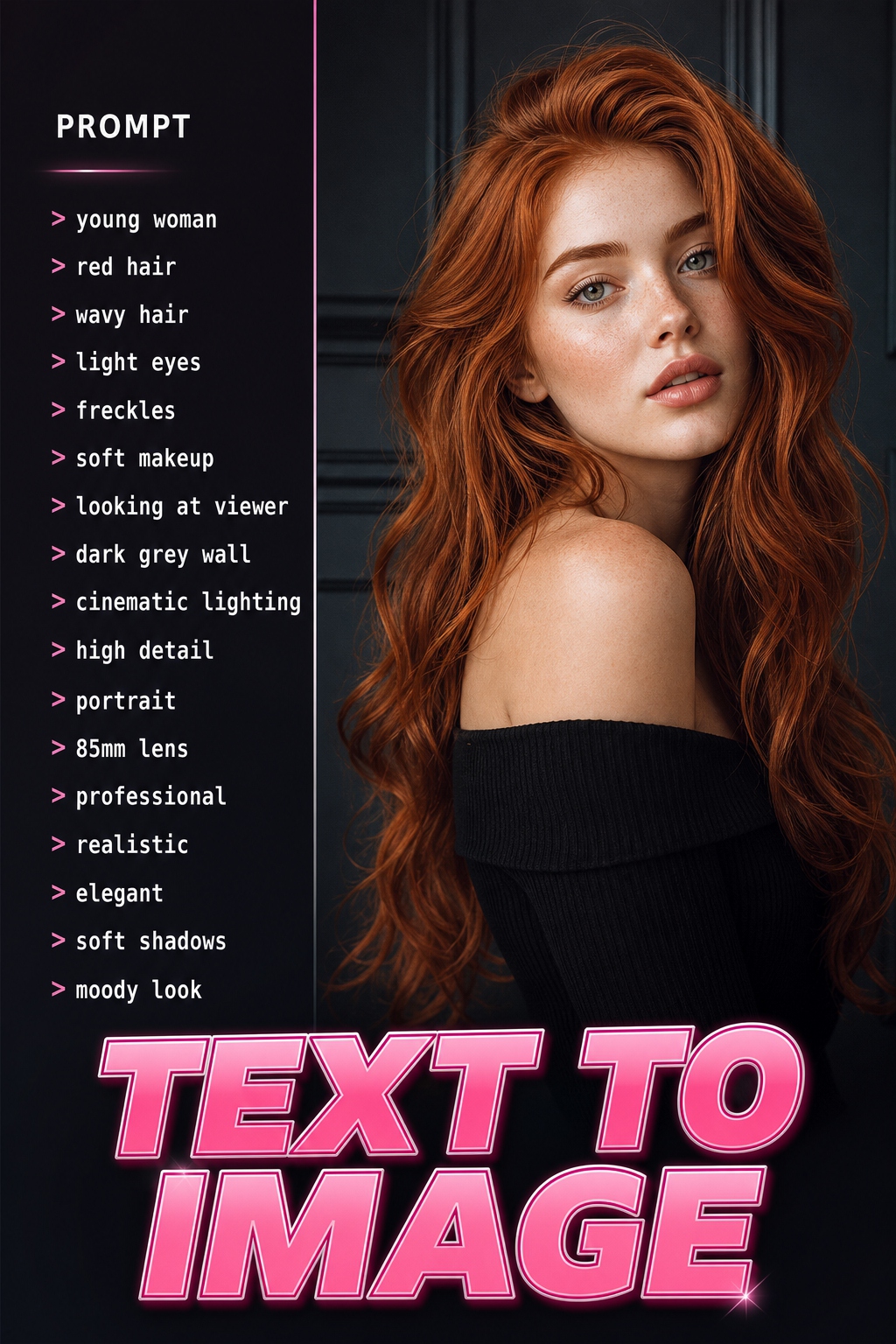
Text to Image

Enter prompts describing the subject, scene, style, and composition, then choose an aspect ratio and visual style. AI generates a detailed image with a clear theme that matches your creative intent.

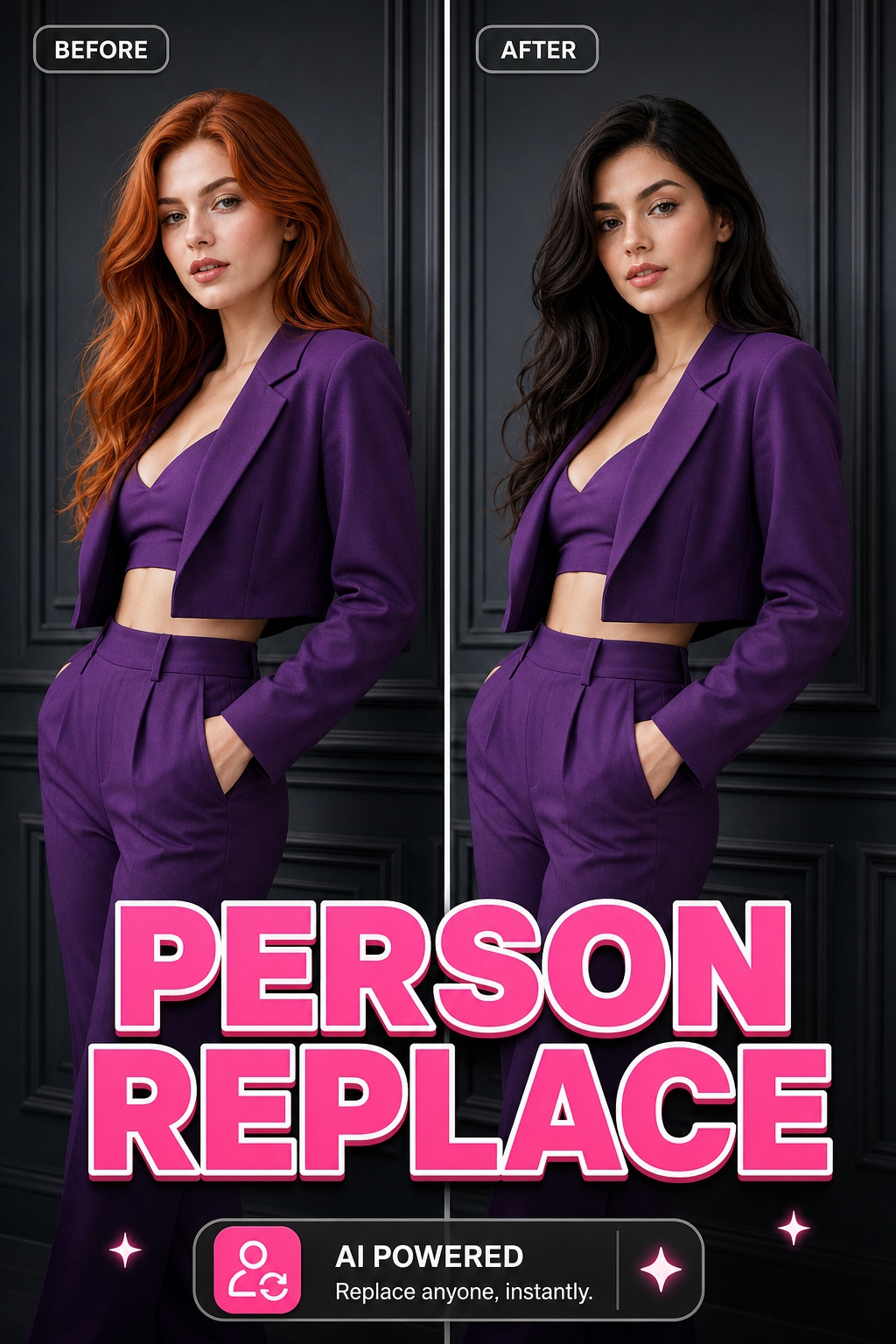
Person Replacement

Upload an image of the person you want to insert and a reference video, then select Person Replacement to generate. AI preserves the reference video's setting, camera work, and motion while naturally integrating the target person for consistent identity across the result.

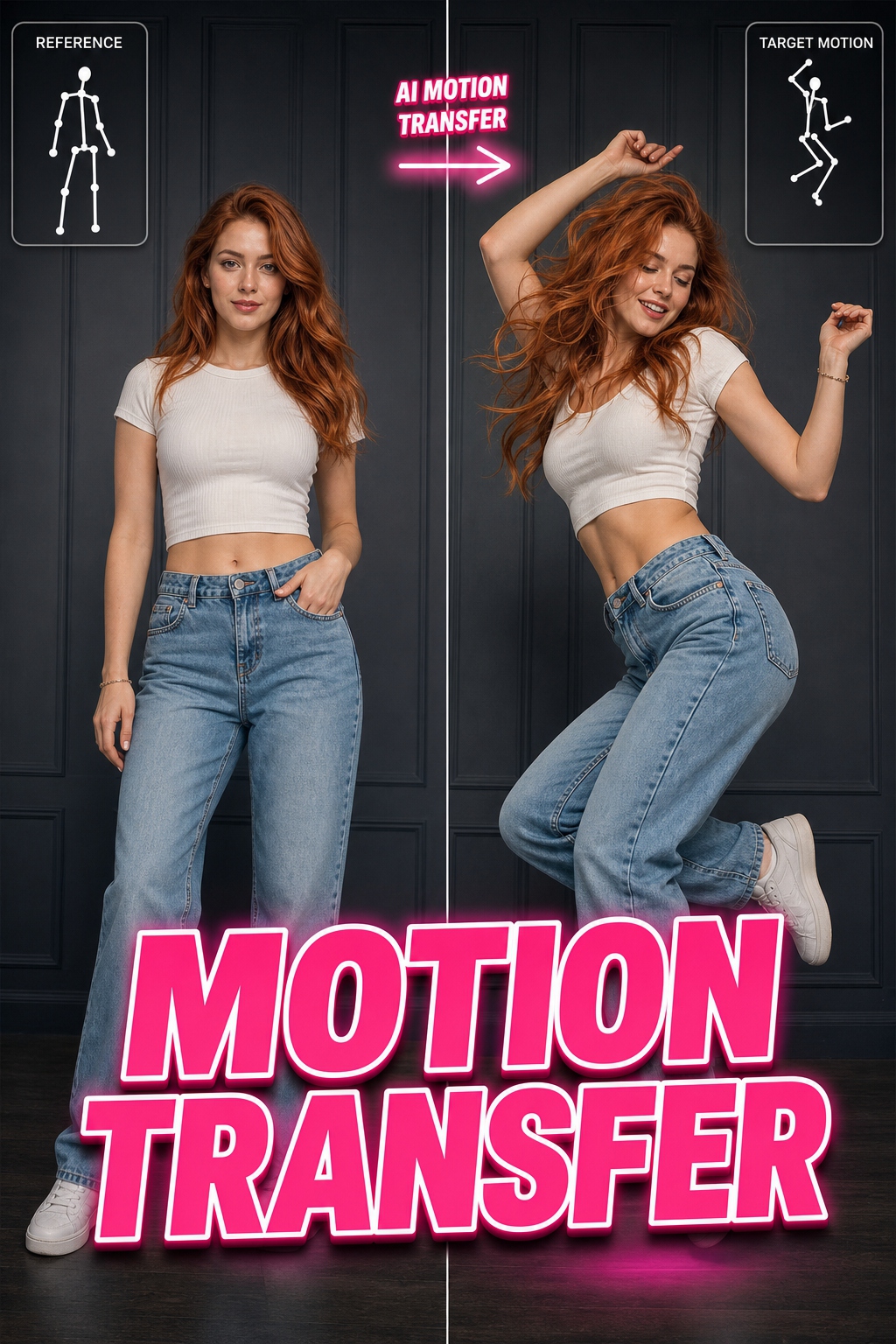
Motion Transfer

Upload a clear photo of a person and add a reference video containing the desired movement. AI extracts poses and motion paths so the person in your photo follows the reference with smooth movement and a stable appearance.

Instant AI Photos & Videos in Minutes

Create stunning AI-generated content with our powerful tools

Generate anything

Description of generating diverse content.

AI Video Effects

Description of applying AI effects to videos.

Photo to Video

Description of turning photos into videos.

How To Create AI Avatars

Follow these simple steps to create your own AI avatars

1

Step 1: Upload Your Photos

Description of photo upload process.

2

Step 2: Describe Your Avatar

Description of avatar description process.

3

Step 3: Generate & Share

Description of generating and sharing.

Upgrade Your Account For More

Choose a plan that's right for you.

No plans available yet.

Frequently Asked Questions

SeedAIGen is a powerful platform that allows you to generate AI photos and videos, apply effects, and convert photos to videos in tens of seconds.

Simply upload your photos, describe what you want, and let our AI generate amazing content for you. It's that easy!

We offer 4 plans priced at $13.99, $29.99, $49.99, and $99.99, with 8–75 videos plus matching images and credits.

No subscription is required. You pay once per pack, and the credits you receive never expire.

You can get support via our official email, or through the in-app Feedback page.

Ready To Create Amazing AI Videos?

SeedAIGen

Create amazing AI videos and photos with our powerful platform.

Contact

© 2026 SeedAIGen. All rights reserved.

Disclaimer: All characters, images, and depictions generated by this platform are entirely fictional, AI-generated synthetic media, and do not portray any real individuals. No real humans were depicted or utilized in the creation of these materials.